
AI-supported English teaching platform
English lessons, homework and speaking practice on one platform.
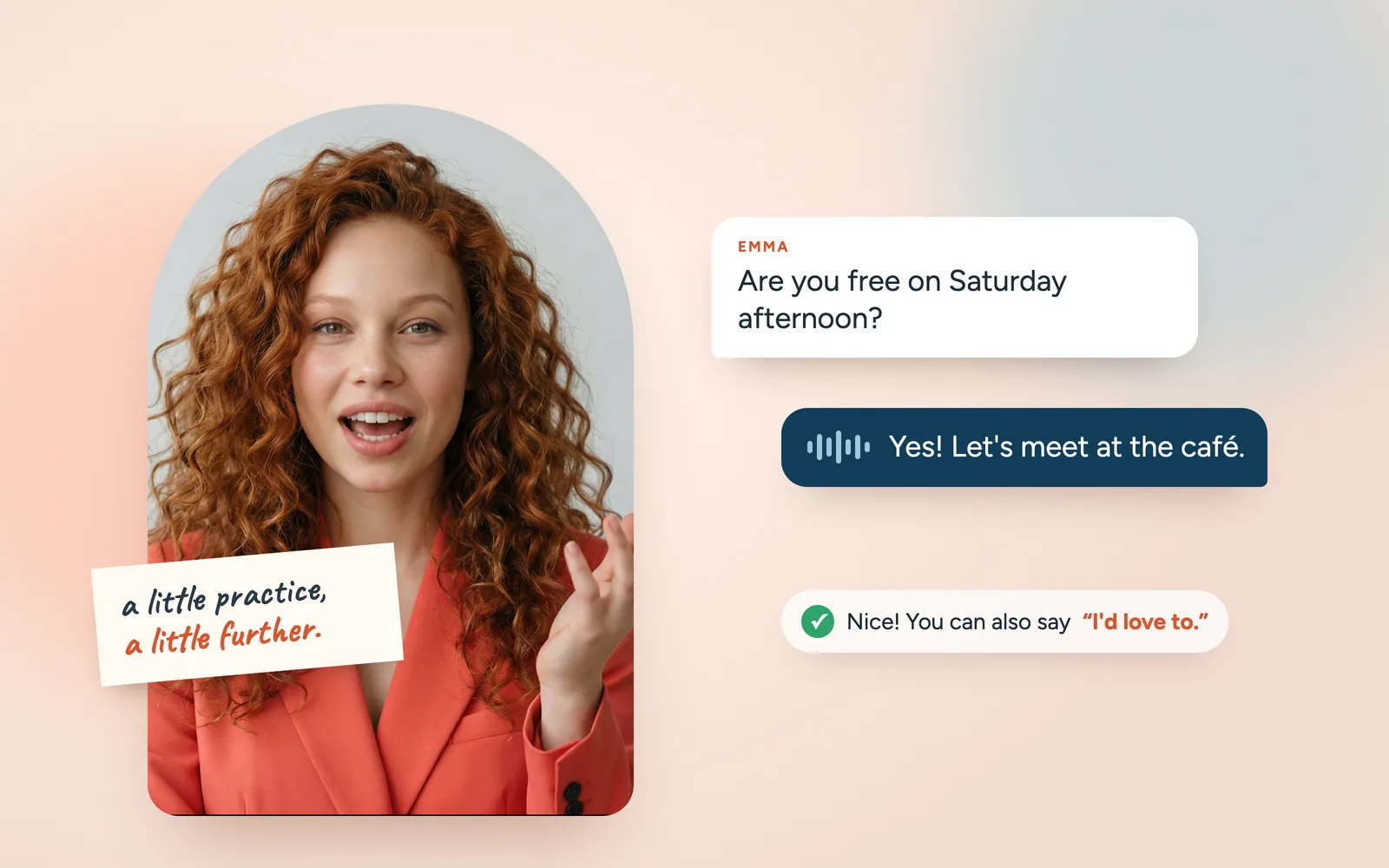
Students move through a course path split into units, complete the assignments their teacher gives, and practice vocabulary and grammar. They speak English with AI in scenes at a café, at school or while making weekend plans. Teachers follow all of it in the reports.
Yodaai
Yodaai is an English teaching platform. Lessons organized into units; vocabulary, grammar, writing and reading practice; and the assignments teachers give all live in one place. What sets it apart is speaking: a student picks a scenario, the AI plays the other person in the scene, and the conversation follows the student’s answers. Teachers give assignments and follow the reports.
- Format
- Browser-based app; spoken or written AI conversation, lessons, study tools
- Who it’s for
- Students learning English; separate Young Learners and Teen screens
- In your school
- Homework for English lessons, study outside class and speaking practice
- Outcome
- Completed conversations, feedback and a progress report teachers can open and review
How it works
Teachers assign, students study and speak.
- 1
The teacher gives the assignment
Assigns a lesson, speaking scenario, writing, grammar, or vocabulary task to a class or a single student. Sets a due date and adds a short note.
- 2
The student steps into the scene
Opens the assigned scenario or a scene that fits their level, then talks with the AI by voice or text. If they get stuck, they get a hint. They can check a translation when needed.
- 3
What went well, what’s missing
When the conversation ends, the student sees an overall score. The phrases they used and missed, grammar corrections, and a more natural version of their sentence are there too.
- 4
The teacher opens the report
Sees completed assignments and skill progress. Recurring mistakes are right there before the next lesson starts.
What’s included
Lessons, practice and speaking in one place.
Course path
A course path split into units. Students see the lessons they’ve finished, the next one, and the ones still locked.
Conversations in scenarios
In scenes like school, a café, or weekend plans, the AI plays the other person. The conversation moves with the student’s answers.
Study tools
Vocabulary, grammar, writing, idioms, and reading practice. Emma, the guide character, gives hints during exercises.
Corrections that don’t interrupt
After each answer, a more natural way to say the same sentence appears in a side panel. The conversation doesn’t stop for corrections. The student keeps talking.
A report card for every conversation
Overall score, key phrases used and missed, and the most important grammar corrections arrive together. It also spells out what the student did well.
Assignments and reports
Teachers give classes assignments with due dates. In each student report, skill progress and recurring mistakes sit side by side.
Who gains what
Students try. Teachers know where to look.
Student
Speaks in the scenario, reads the feedback, and tries the same scene again with hints and suggestions. A mistake doesn’t stop the conversation. They see their errors on their own screen, not in front of the class.
Teacher
Picks an assignment that fits the topic and level, and sets the due date. The report shows who keeps repeating which mistake, so they walk into the next lesson knowing where to start.
School
Manages classes and teachers in one place. Reports show how much students speak outside class and where they struggle.
FAQ
Questions before you decide.
Is Yodaai only a speaking app?
No, it is an English teaching platform. Lessons organized into units, vocabulary, grammar, writing and reading practice, teacher assignments and reports all sit together. Speaking practice with AI is what sets it apart from other platforms.
Does the conversation stop if a student makes a mistake?
No. The AI stays in character and the conversation goes on. A more natural version of the sentence appears in a side panel. The most important grammar corrections and strengths come when the conversation ends.
What can teachers assign?
Lessons, speaking scenarios, writing, grammar, and vocabulary practice. Assignments go to a class or a single student, with a due date and a short note. Assigning speaking scenarios depends on your package.
How does it work with Speaking Clubs?
Speaking Clubs students see the speaking scenarios assigned to them in Yodaai. Each scenario opens on its start date.
Is every tool open to every student?
It depends on your school’s package. Scenario conversations are part of a separate package, and listening practice is coming soon. Let’s work out the right scope for you together when we talk.
Also worth a look
These can help as well.


Let’s talk
Let’s start out-of-class speaking practice at your school.
Let’s talk through which classes to start with, how your teachers will use assignments and reports, and the scope that fits your school.